
12 Best Automate Task Software Options for 2025
Do you ever feel like a robot, doing the same boring stuff over and over? Like replying to the same emails, posting on LinkedIn, or bugging clients to book a meeting? It’s a total drag! It eats up your day and leaves no time for the fun stuff that actually makes your business grow. What if you could have a little helper, a digital assistant that works all day and night and never gets tired? That’s what automate task software is all about. These cool tools are like your own personal robots, ready to take over all those repetitive, yawn-inducing jobs on your to-do list.
This guide is here to help you find the perfect robot helper for what you need. We've rounded up 12 of the best tools that can totally change the way you work. Are you a local shop trying to get more awesome reviews? A coach who needs a smarter way to book clients? Or maybe you sell to other businesses and want more leads without paying for ads? There’s something here for you. We’ll look at tools like Authority Echo, which uses super-smart AI to find leads and book them for you, and Zapier, which can connect pretty much any app you can think of.
No more boring sales pages. We’re jumping right into the good stuff:
- Who it's for: A super quick look at who will love each tool.
- Coolest features: What makes each tool special and stand out.
- Real-life ideas: Fun examples for making LinkedIn, finding leads, and getting reviews work on their own.
- The good and the bad: An honest peek at what’s awesome and what’s not so great.
Each review has links and pictures so you can see the software for yourself and pick the one that feels right. Let’s find the right tool to take work off your plate and give you your time back.
1. Authority Echo — AI Agent, Lead Automation and AI Booking Pro
Authority Echo is a super cool all-in-one system for businesses that want to grow without using a million different tools. It’s not just another piece of automate task software; it’s a whole service that does the work for you. It uses smart AI to find leads, create content, and reach out to people all at once. So instead of buying separate tools for your calendar, your contacts, and your content, Authority Echo puts it all together to create a snowball effect of goodness.

This tool is awesome because it helps you become the "best answer" wherever people are looking for help. It figures out what your customers are asking online and makes sure your business shows up with the perfect answer. This brings people who are ready to buy right to your door, where a smart system books them for a meeting and follows up automatically. It turns being seen into real appointments.
Key Features and Strategic Advantages
Authority Echo is great because it’s a hands-off, all-in-one package. The service does all the tricky stuff for you, so you can focus on your business while it brings in new leads.
- 24/7 AI Helper: It has a little AI robot that answers questions and books meetings for you, even when you’re asleep! This means you reply super fast and never miss a chance to talk to a new customer.
- Smart Content: The service looks at what people are searching for and writes articles for you that are designed to show up as the top answer on Google and other places.
- Done-For-You LinkedIn Help: It spruces up your LinkedIn profile and sends messages to potential customers for you, helping you build your network and find new clients.
- Automatic Follow-ups and Reviews: Once someone is interested, the system sends messages to keep them engaged. It also helps you get more good reviews online, which makes more people trust you.
| Feature Analysis | Best For | Implementation Notes |
|---|---|---|
| All-in-One System | Small businesses that want to use fewer tools and have less to manage. | It's a service that does everything for you. You'll start to see big results in 1 to 3 months. |
| No-Ads Growth | Businesses that want to grow for the long haul without paying for ads. | It starts with a free check-up to see how you can show up more online. |
| AI Booking Helper | People who sell services and need to automatically book appointments. | It connects right to your calendar to book meetings with good potential clients. |
Pros and Cons
Pros:
- Everything in one place: You don't need separate tools for content, automation, and reviews.
- They do the work: You don't have to do much because they handle the strategy and the work.
- Grows over time: It builds up your business online so you keep getting leads.
- You can see it working: You can track how well you're doing by the calls and sales you get.
Cons:
- Costs more: Because they do the work for you, it costs more than doing it yourself with software.
- Not instant: It takes about 1 to 3 months to really get going, unlike paying for an ad that works right away.
Website: https://authorityecho.com/
2. Zapier
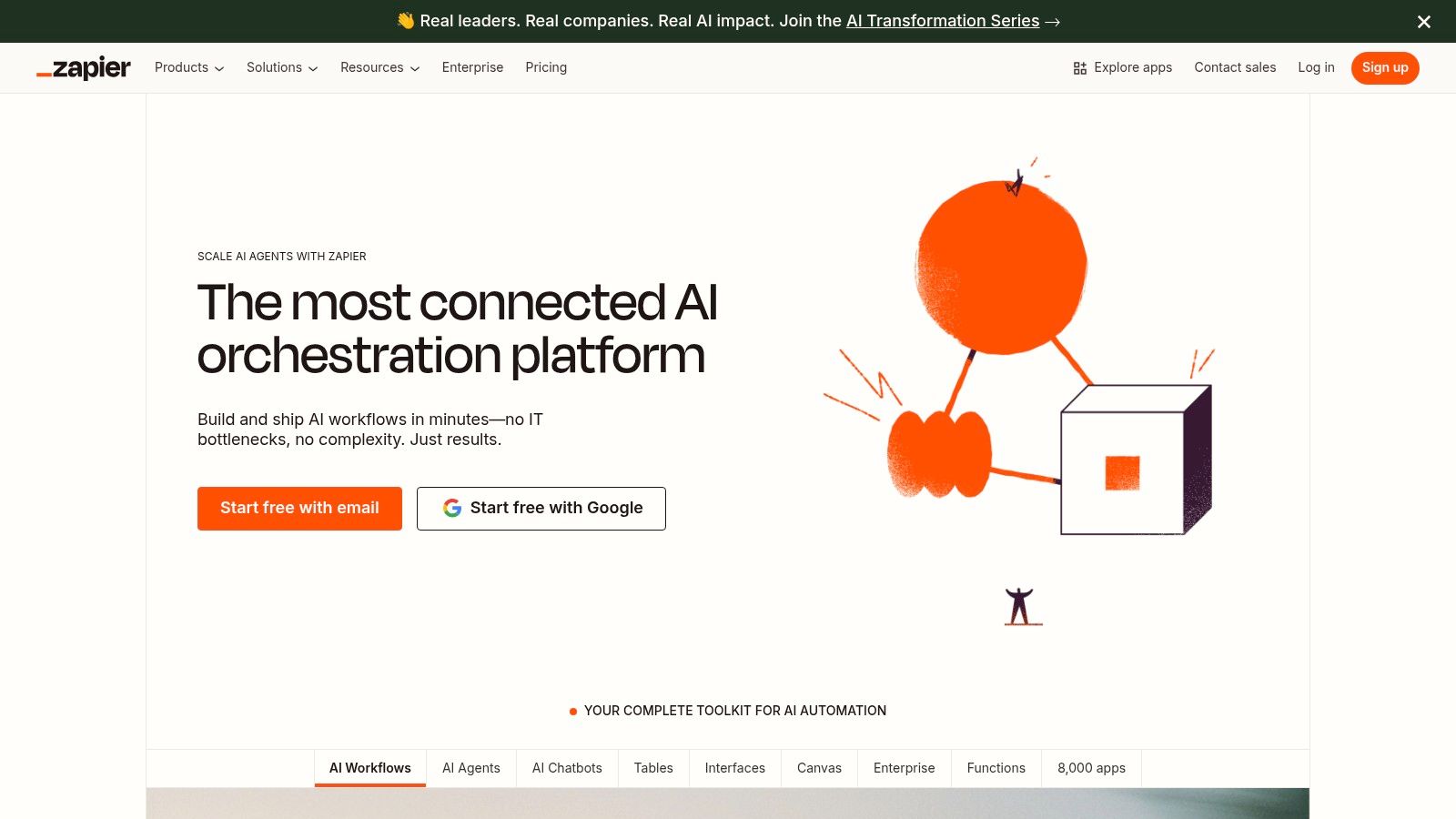
Zapier is like the king of making apps talk to each other. It’s a super translator for over 7,000 different computer programs! It lets you connect tools that don’t normally work together, creating little automatic recipes called "Zaps." This makes it an amazing automate task software for anyone who wants to make their life easier without needing to know how to code.
The best thing about Zapier is its giant library of apps it can connect. You can link almost anything—your customer list, your email newsletter, your social media, your to-do list—all with a simple click-and-drag tool.
Key Features and Pricing
Zapier's magic is in its visual builder. You can make simple Zaps or really complicated ones with special rules, like "only do this if..." It's like building with LEGOs, but for your apps. You can make your automations do exactly what you want them to do.
- Pricing: Zapier counts "tasks." You get 100 tasks for free every month, which is great for trying it out. If you need more, paid plans start at about $20 a month.
- Pros: It connects to more apps than anyone else, and it's super easy to get started.
- Cons: If your Zaps run a lot, it can get expensive. And some of the best app connections are only for paying customers.
Recommended Use Case:
Every time someone fills out a form on your website, automatically add them to your customer list and send them a friendly "hello" email. All without you lifting a finger!
Website: https://zapier.com
3. Make (formerly Integromat)
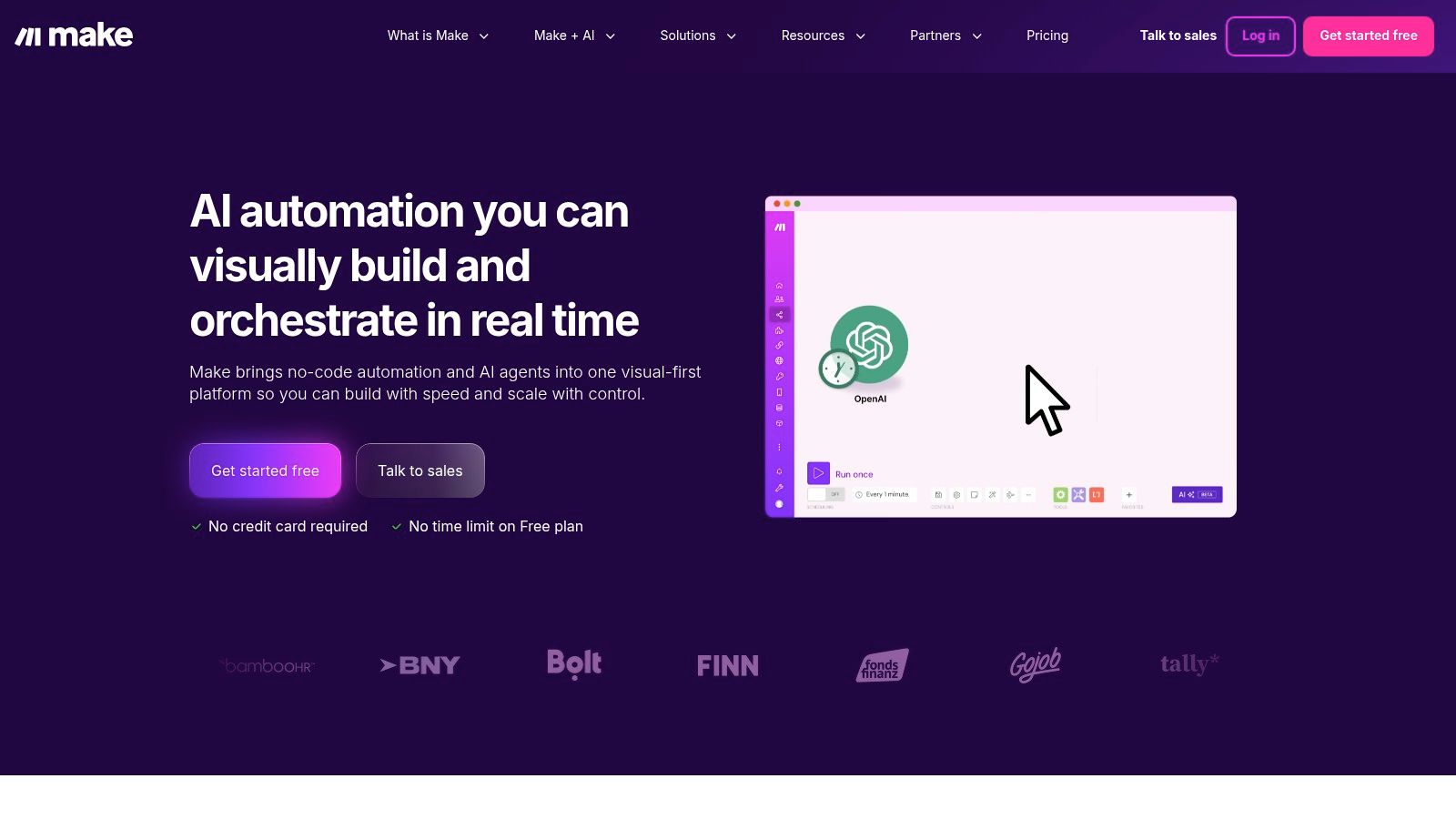
Make is a super powerful tool for building really complex automations. It's like a big visual playground for your apps. Instead of simple connections, it lets you create detailed maps showing how information should flow. This makes it a favorite for people who like to tinker and want total control over every little step. It’s a top-notch automate task software for making things work exactly how you want.
Its drag-and-drop screen lets you draw out your entire automation. You can see how one app sends information to another. This lets you do fancy things, like splitting the path or telling it what to do if something goes wrong.
Key Features and Pricing
Make is all about having control. You can add little routers and other tools to your map to manage your data perfectly. It also has a huge library of ready-made templates to help you get started quickly.
- Pricing: Make counts "operations." Its free plan is amazing, giving you 1,000 operations every month forever. Paid plans start at just $9 a month, which is a great deal.
- Pros: It gives you incredible control for tricky workflows and is often cheaper than other tools if you have a lot of tasks. The free plan is fantastic.
- Cons: Figuring out what an "operation" is can be a little confusing at first, so you have to watch your usage.
Recommended Use Case:
When you get a new order in your online store, automatically check what the person bought, add them to a specific email list, and create a "ship this" task for your team.
Website: https://www.make.com
4. IFTTT
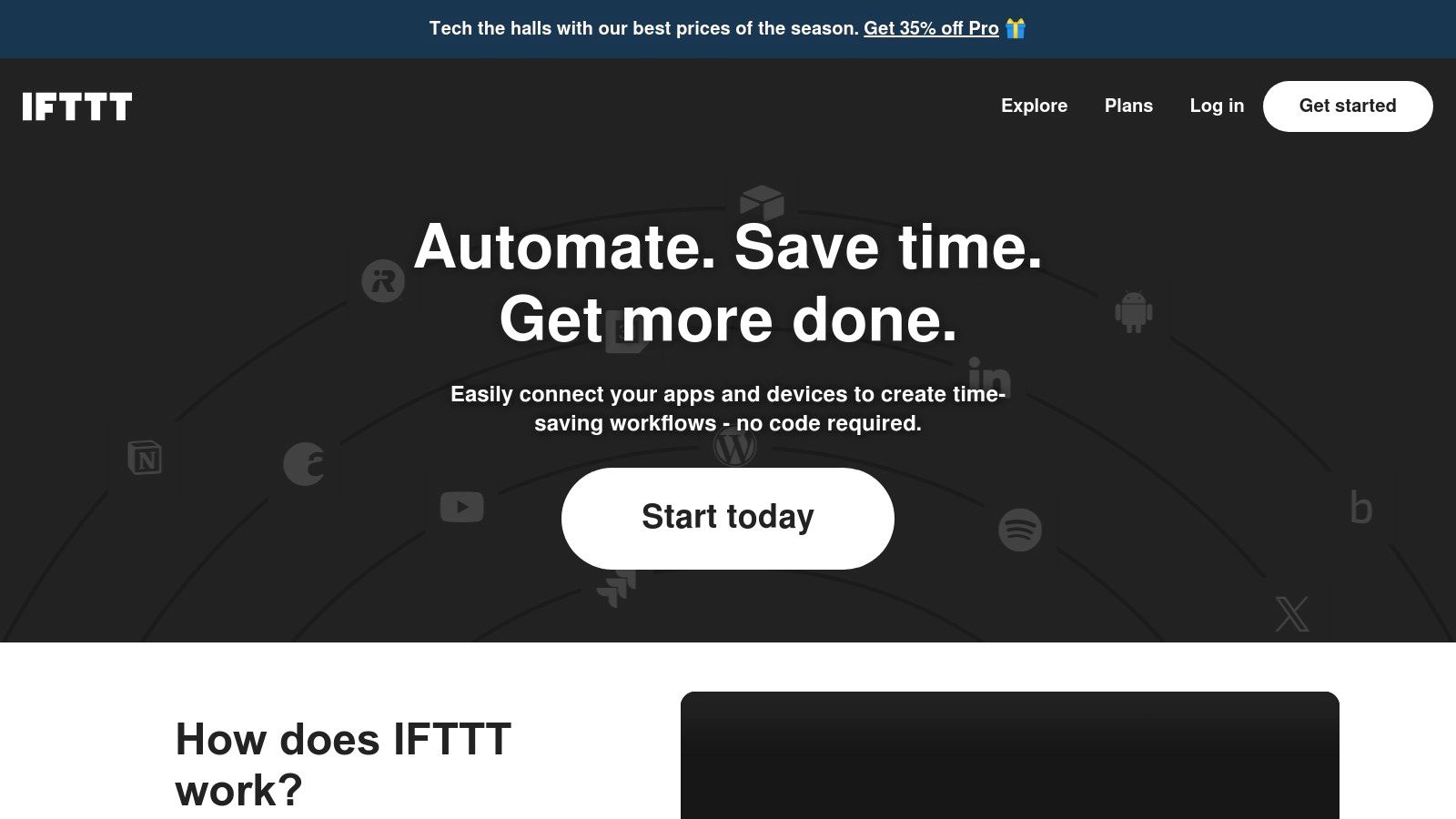
IFTTT stands for "If This, Then That," and it's one of the first and friendliest automation tools out there. It's amazing at connecting your everyday apps and smart home gadgets with super simple rules called "Applets." While lots of people use it for fun at home, it’s also a great first step into automate task software for simple work tasks, especially for social media.
Its power is in how simple it is. It's all based on one easy idea: "if this thing happens, then do that other thing." This makes it super easy for anyone to use, no matter how much they know about computers.
Key Features and Pricing
The heart of IFTTT is the Applet builder. You just pick a "This" (the trigger) and a "That" (the action). You can look through millions of Applets other people have made or create your own. If you pay a little, you can unlock more powerful features, like making Applets with multiple steps or connecting them to smart AI tools.
- Pricing: IFTTT has a free plan where you can make two Applets. Paid plans are really cheap, starting at $2.50 a month for more Applets that run faster.
- Pros: It’s the easiest tool to learn for simple automations and it works with tons of smart home devices and phone apps.
- Cons: The free plan is pretty small, and it can’t do the super complicated stuff that other tools can.
Recommended Use Case:
Every time you write a new blog post, automatically share it on your Twitter, Facebook page, and LinkedIn at the same time. You'll keep your social media updated without even thinking about it!
Website: https://ifttt.com
5. Microsoft Power Automate
If your business uses a lot of Microsoft stuff like Office 365, Teams, or SharePoint, then Power Automate is your new best friend. It’s made by Microsoft to connect all their tools together perfectly. This makes it the perfect automate task software for companies that are already in the Microsoft world.
This tool can do two cool things. It can automate stuff online between different websites, and it can also control your desktop computer, like a robot clicking the mouse for you. This means you can automate everything from simple email alerts to complicated tasks on old computer programs.
Key Features and Pricing
Power Automate's biggest strength is how well it works with all things Microsoft. It can dig deep into your company's data and processes. The tool for building online automations is pretty easy to use, while the desktop tool can handle trickier stuff.
- Pricing: The pricing can be a little confusing. There are plans where you pay for each person using it (starting around $15 a month). Or you can pay for each automation or robot you build. A simple version is often included for free if you already have Microsoft 365.
- Pros: It works perfectly with Microsoft 365. It's also very safe and secure, which big companies love.
- Cons: Figuring out which plan to buy is complicated. You might have to talk to a salesperson to get what you need.
Recommended Use Case:
Automatically save any attachments from a specific person's emails into a special folder, then post a message in your team chat to let everyone know a new file is there.
Website: https://powerautomate.microsoft.com
6. n8n
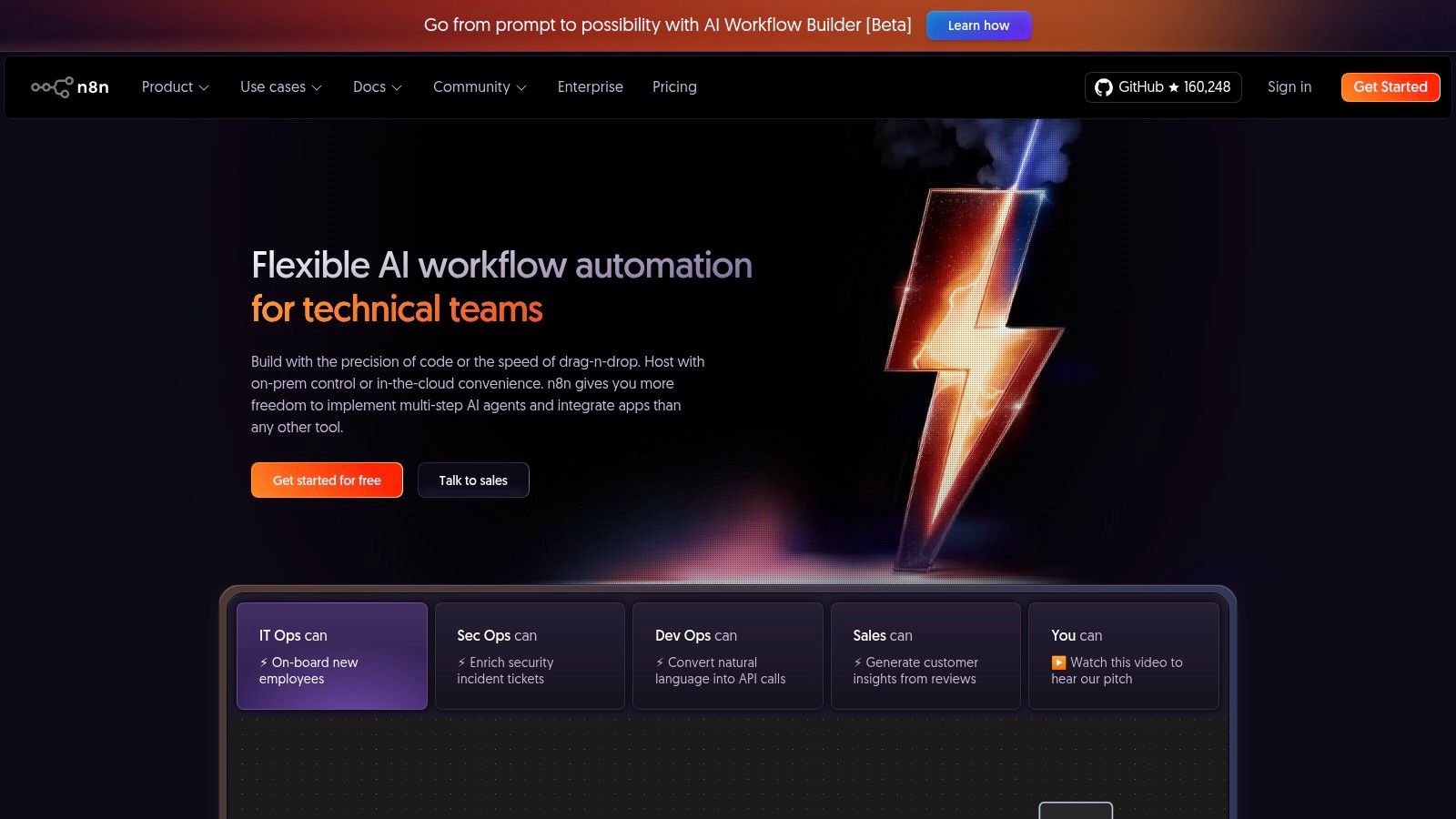
n8n is a cool automation tool that’s a bit different because you can run it on your own computer or server for free. This makes it a big hit with techy people who want total control over their data. It lets you connect hundreds of apps and build complex automations using a neat visual editor, making it a super flexible automate task software.
The tool is made to be customized. If you know a little bit of code, you can make it do almost anything. It’s the perfect mix of a simple, no-code tool and a fully custom-coded solution.
Key Features and Pricing
The heart of n8n is its workflow editor, where each step is a "node." You connect these nodes like a dot-to-dot puzzle to create your automation. Since you can host it yourself for free, you only have to pay for your own server space.
- Pricing: You can download and use n8n for free on your own computer. If you want them to host it for you in the cloud, plans start at about $20 a month and are based on how much you use it.
- Pros: Running it yourself gives you total control, privacy, and can save you money. It's great for people who like to code.
- Cons: Setting it up can be more technical than other tools. You might need to know a little bit of code to do the really fancy stuff.
Recommended Use Case:
Every hour, sync your customer information between your own private database and your online customer list, and send an alert to your team chat if it spots anything weird.
Website: https://n8n.io
7. UiPath
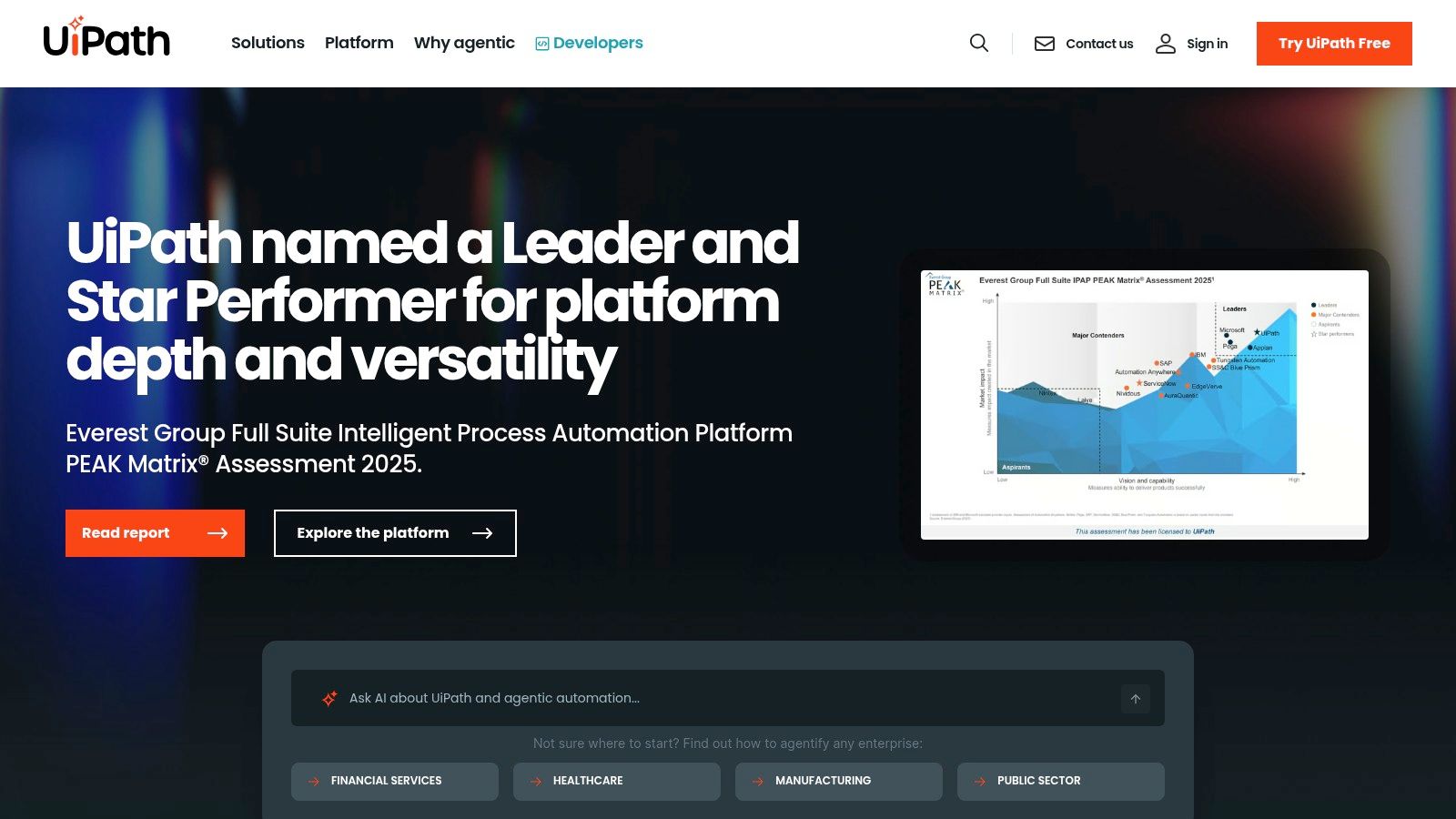
UiPath is a big deal in the world of "robot helpers" for computers, also known as Robotic Process Automation (RPA). It helps big companies automate really complex tasks. It lets you create software "robots" that can act just like a person—logging into websites, moving files around, and filling out forms. This makes it a very serious automate task software for businesses that want to automate things on a large scale.
The platform is great at making two kinds of robots. Some work all by themselves, 24/7, without anyone watching. Others work alongside human employees, helping them with their tasks. You can run it in the cloud or on your own computers, which is great for different needs.
Key Features and Pricing
UiPath gives you a whole toolbox for designing, managing, and running your software robots. It can even use AI to make the robots smarter. The platform is built to be super secure, which is really important for big companies.
- Pricing: UiPath's pricing can be tricky, and you often have to talk to their sales team. But, they have a newer basic plan that is more affordable for smaller teams, and you can buy robots one by one.
- Pros: It has tons of features for big companies and a huge community of users. The basic plan makes it easier for smaller businesses to get started.
- Cons: The pricing can be confusing. It's also harder to learn than simpler tools like Zapier.
Recommended Use Case:
Create a robot that automatically reads information from invoices sent as PDFs, types that info into your accounting software, and then saves the original PDF in a special folder.
Website: https://www.uipath.com
8. Automation Anywhere
Automation Anywhere is another big player in the robot helper world. It's a powerful online platform that helps you build "bots" that can do human tasks on a computer. It goes beyond just connecting apps—it builds smart little workers that can handle boring, repetitive jobs like typing in data, organizing files, and working with old computer programs. It’s a serious automate task software for businesses that want to create a team of digital helpers.
The platform is great for big companies because it has tools that not only build bots but also help you figure out which jobs are best to automate in the first place. It also has a "Bot Store" with tons of pre-built bots, so you don't have to start from scratch.
Key Features and Pricing
Automation Anywhere gives you everything you need: a tool to create bots, a "Control Room" to manage all your digital workers, and bots that can run all on their own. They also offer a lot of free training to help you learn how to use it.
- Pricing: You have to talk to their sales team to get a price. They have a starter pack for small teams, and you can add more bots as your business grows.
- Pros: It’s a very powerful platform with lots of advanced tools. The path to growing your team of bots is very clear.
- Cons: It costs more to get started than most simple tools, and you have to talk to a salesperson to find out the price.
Recommended Use Case:
Build a bot that downloads daily sales reports from an old computer program, pulls out the important numbers, and puts them into a Google Sheet to create a daily dashboard for your team.
Website: https://www.automationanywhere.com
9. Workato
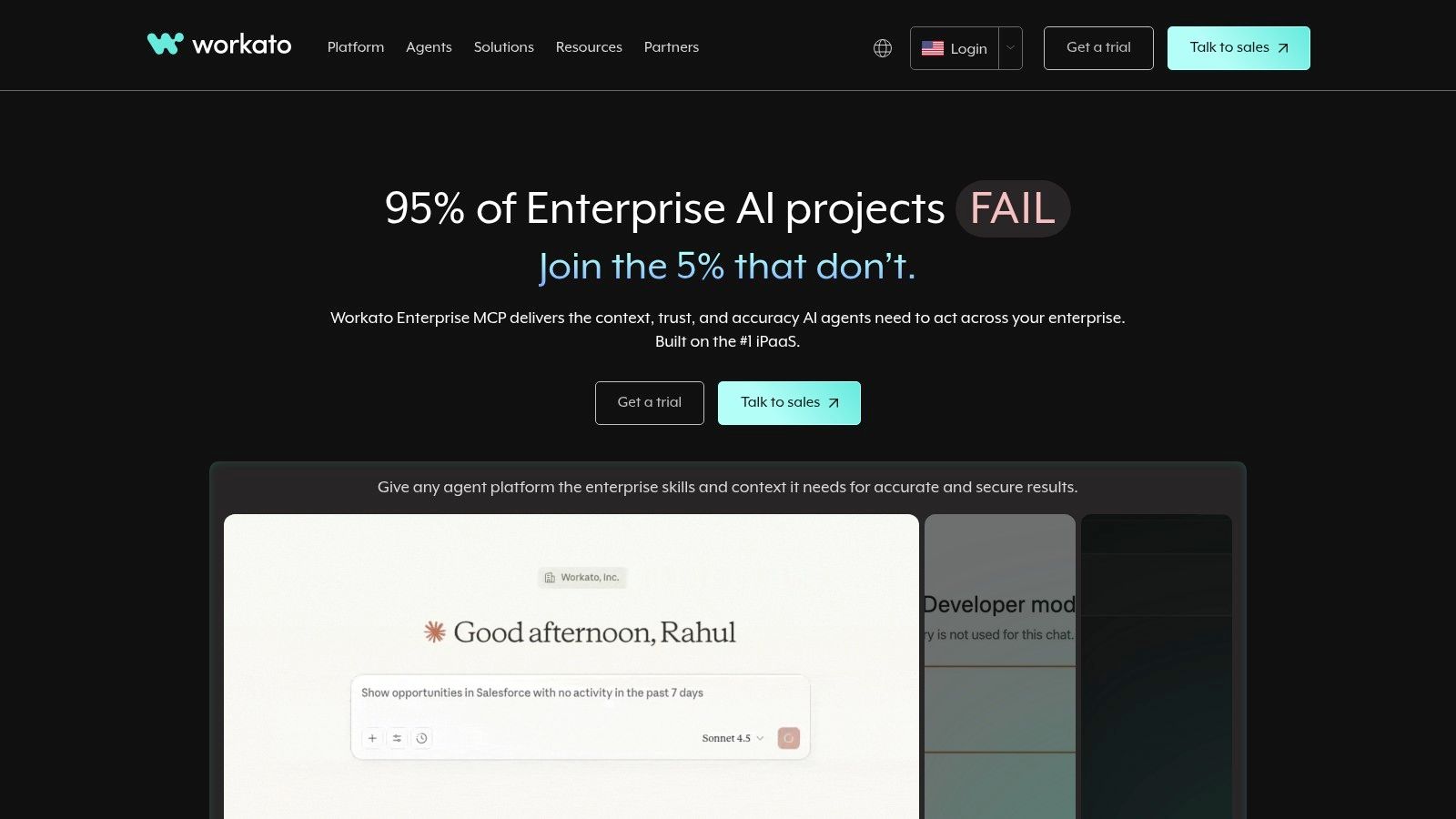
Workato is a super-powered automation tool made for big companies that need to handle really complex workflows. Think of it as a central brain that connects all the different apps, data, and departments in a company. This makes it a top-level automate task software for businesses that need serious security and power. It doesn’t just link two apps; it runs entire business processes from start to finish.
While other tools are great for simple connections, Workato is built for giant, multi-step jobs that might involve the money people, the HR people, and the marketing people all at once. It uses a system of "recipes" to build deep connections that can handle errors and complex rules, all without needing much code.
Key Features and Pricing
Workato's best features are for big businesses. It has tools that help tech teams manage automations from the idea phase all the way to running them every day. It can also connect to computer systems that are not on the internet, which is a big deal for some companies.
- Pricing: Workato's pricing isn't public. You have to talk to their sales team to get a price based on what you need.
- Pros: It's amazing for big companies that need a lot of security and control. The pricing is based on how much you use it, which can be fair.
- Cons: You can't find out the price without talking to a salesperson. It’s probably too complicated and expensive for small businesses or simple tasks.
Recommended Use Case:
Automate the entire process of hiring a new employee. When they are added to the HR system, automatically create their computer accounts, give them access to the right apps, and schedule their training meetings on the calendar.
Website: https://www.workato.com
10. Tray.io
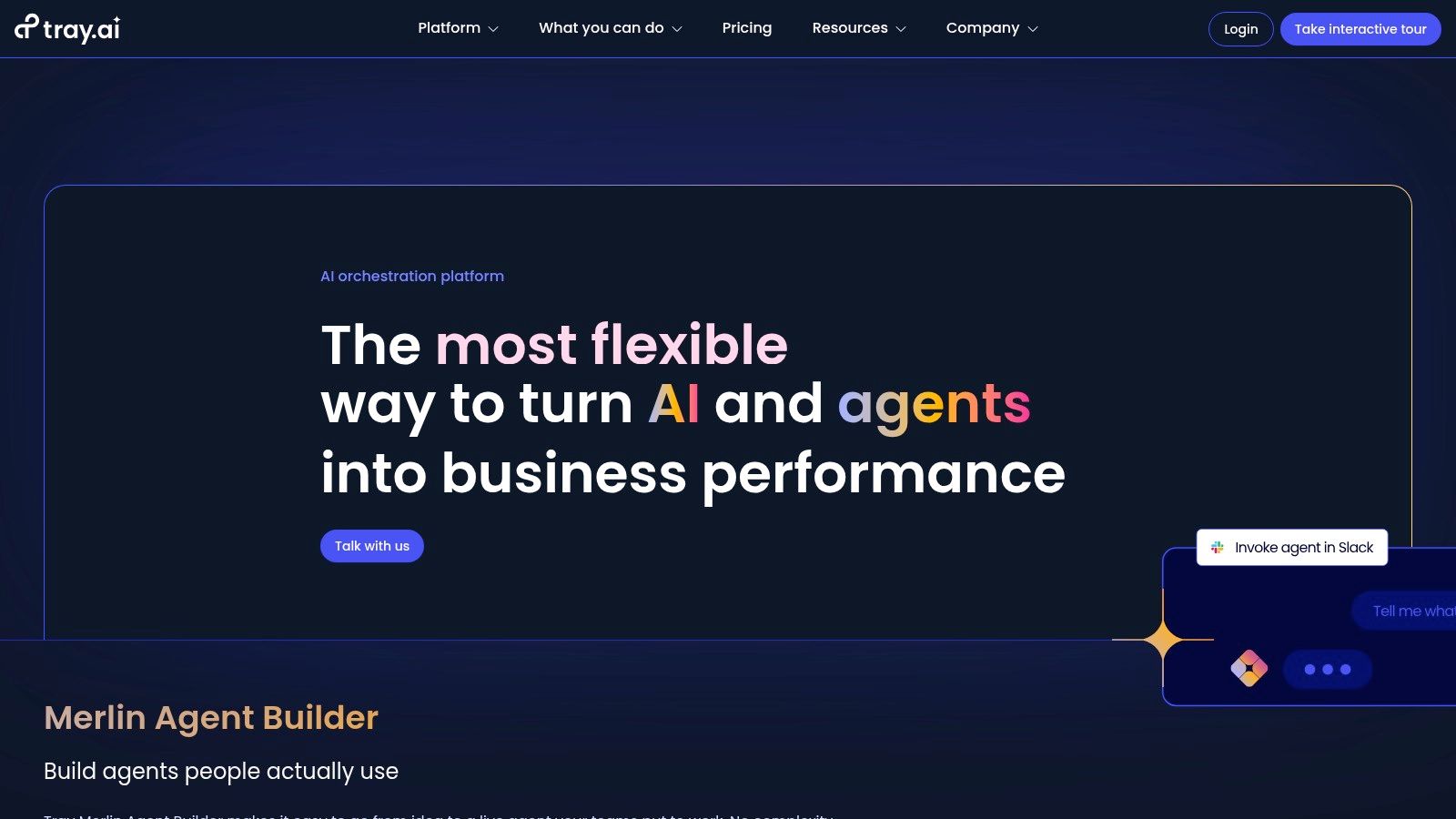
Tray.io is a powerful platform for big companies that want to do some really advanced automation. It mixes the power of connecting different apps with a cool new AI agent builder called Merlin. This lets businesses create smart AI helpers that can safely work with all of their software, making it a super modern choice for automate task software.
The platform is built with control and security in mind, which is why big tech teams love it. It gives you the tools to manage complicated workflows while making sure you can check on everything the bots are doing.
Key Features and Pricing
Tray.io is cool because it does two things at once: it connects apps the old-fashioned way and it lets you build new AI helpers. The Merlin AI builder lets you create agents that can remember things and follow rules. The platform also has pre-built solutions to help you get started faster.
- Pricing: Tray.io does not share its prices online. It’s for big companies, so you have to talk to their sales team to get a price.
- Pros: It’s one of the only tools that combines powerful app connections with smart AI agents. It’s also very secure and great for tech teams.
- Cons: This tool is not for small businesses or individuals. The high price and sales process make it hard for casual users to try.
Recommended Use Case:
Build a custom AI helper that automatically answers simple customer support questions by looking up information, updating customer records, and passing the really hard questions to a human, all while keeping a log of everything it does.
Website: https://tray.io
11. Pipedream
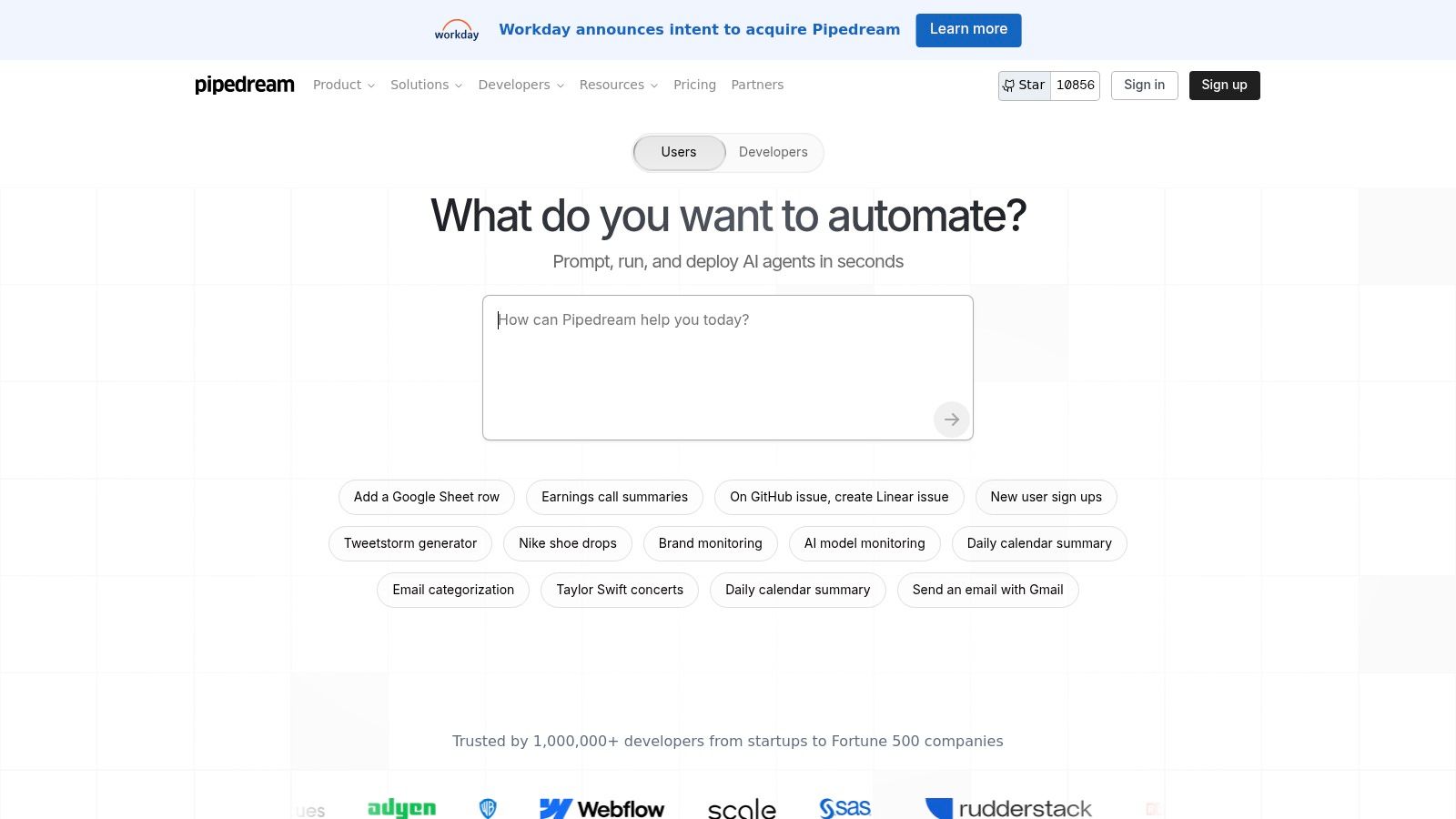
Pipedream is a powerful platform made for developers—the people who write code. It fills the gap between simple drag-and-drop tools and building everything from scratch. It lets techy teams create custom automations that run on computers managed by Pipedream. This makes it the perfect automate task software for businesses that want more control than what simple builders offer.
The best thing about Pipedream is that it's made for code. You can write instructions in computer languages like Node.js or Python. But it also connects to over 3,000 apps, so developers get the speed of pre-built connections and the freedom of custom code.
Key Features and Pricing
Pipedream lets you write and run little bits of code as steps in your automation. You can connect to any website or app and manage everything like a real software project. This is great for businesses with complicated rules. It’s also very secure for companies that have to follow strict privacy rules.
- Pricing: Pipedream has a great free plan for individuals. Paid plans are based on "credits" and start at $100 a month. This gives you more credits to run your automations and some extra AI tokens to build smart helpers.
- Pros: It’s super powerful for people who know how to code. The pricing plans are very clear and easy to understand.
- Cons: It's much harder for non-techy people to use. It’s really meant for teams of developers.
Recommended Use Case:
Create a custom automation that grabs data from your own database every time you make a sale, uses a special Python script to add more information to it, and then sends a neat report to your team chat.
Website: https://pipedream.com
12. Bardeen
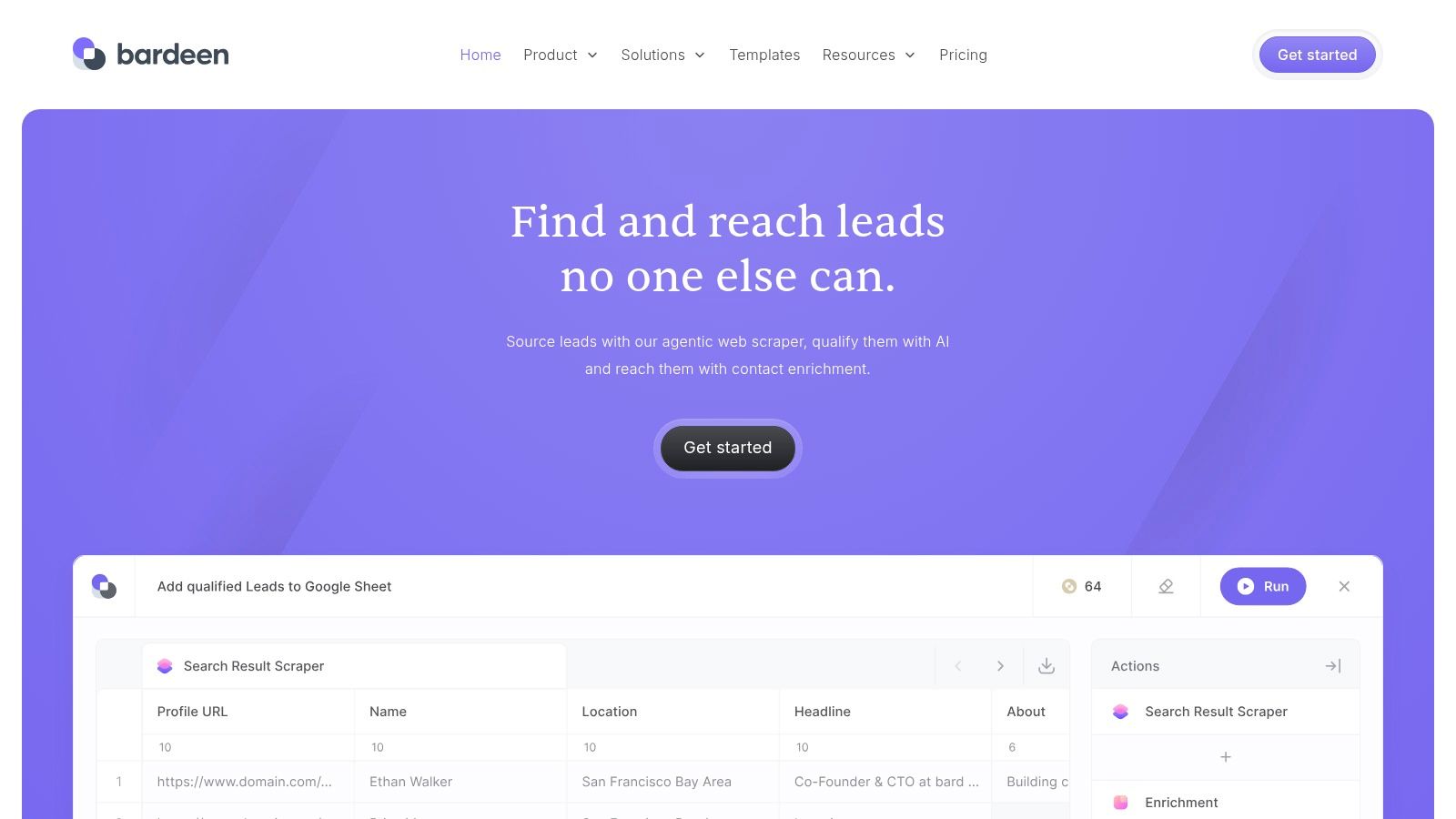
Bardeen is a clever automation tool that lives inside your web browser. It’s designed to get rid of boring web tasks, which makes it an amazing automate task software for people in sales, marketing, or research. It can copy data from websites, find more information about contacts, and run complex jobs without you having to jump between a million tabs. It's special because it works right on the web pages you're already looking at.
The tool is really good because of its "Playbooks," which are ready-to-go templates for common tasks. Things like saving a bunch of LinkedIn profiles to your customer list or finding company info for a list of leads. It even has an AI builder where you can just describe what you want to do, and it will build the automation for you.
Key Features and Pricing
Bardeen's biggest strength is that it can work with the web page you have open right now. This makes it super easy to grab information and start an automation without leaving the page. It connects to over 200 popular tools like Google Sheets and Notion so you can send your data wherever it needs to go.
- Pricing: Bardeen uses a credit system. It has a free plan with some starter credits, which is great for trying it out. Paid plans start at $10 a month and give you more credits to run your automations.
- Pros: It’s awesome for automating web research and sales tasks. They also offer help building custom automations for your team.
- Cons: The credit system can be a little confusing at first. It also costs a bit more to get started than some other simple tools.
Recommended Use Case:
Open a list of company websites in different tabs, click a button to run a Bardeen playbook that copies the contact info from each site's "About Us" page, and automatically saves it all in a new Google Sheet.
Website: https://www.bardeen.ai
Top 12 Task Automation Tools — Feature Comparison
| Solution | Core features ✨ | Unique selling points ✨ | Target audience 👥 | Price / Value 💰 | Quality / Ease ★ |
|---|---|---|---|---|---|
| Authority Echo — AI Agent, Lead Automation and AI Booking Pro 🏆 | AEO audit + keyword & schema map; 3 schema-ready articles; LinkedIn refresh; 24/7 AI agent; automated capture & booking; nurture & review mgmt | 🏆 All-in-one AEO + LinkedIn + automation stack; done-for-you implementation; free visibility audit | 👥 SMBs & service providers seeking organic, no-ads lead growth | 💰 Managed-service (premium) — measurable ROI; shows movement in 30–90 days | ★★★★★ |
| Zapier | Visual multi-step editor; 7,000+ connectors; Filters/Paths; optional AI Agents | Fast prototyping; widest integration catalog | 👥 Individuals & SMB teams needing quick automations | 💰 Free tier (100 tasks/mo) → pay-per-task; cost scales with volume | ★★★★☆ |
| Make (Integromat) | Scenario builder with routers & error handling; robust data transforms; credit model | Fine-grained control for complex flows; strong value for complex automations | 👥 Power users, API-savvy teams | 💰 Credit-based usage — good value for complex flows; free plan no time limit | ★★★★☆ |
| IFTTT | Simple Applet builder; millions of community Applets; strong smart‑home support | Easiest on-ramp for personal & smart‑home automations | 👥 Consumers & light productivity users | 💰 Free tier (limited) → low-cost Pro plans | ★★★☆☆ |
| Microsoft Power Automate | Low-code cloud flows + desktop RPA; deep MS 365/Teams/Dynamics integration; hosted VM option | Enterprise governance, compliance & native MS ecosystem | 👥 Enterprises and Microsoft-centric organizations | 💰 Complex licensing; premium per-user/bot plans (sales engagement) | ★★★★☆ |
| n8n | Open-source self-hosted CE; paid cloud/self-hosted plans billed by executions; dev tooling | Full control via open-source; flexible customization & unlimited users on paid tiers | 👥 Technical teams & self-hosting organizations | 💰 Execution-based pricing; self-host lowers infra cost | ★★★★☆ |
| UiPath | Unattended/attended robots; orchestration; cloud & on‑prem deployments | Enterprise RPA leader with broad ecosystem; Basic on‑ramp tier | 👥 Large enterprises with heavy RPA needs | 💰 Enterprise pricing (sales-driven); scalable per-robot options | ★★★★★ |
| Automation Anywhere | Cloud bot creator/runner; Control Room; Bot Store; training resources | Mature RPA platform + marketplace of prebuilt bots | 👥 Enterprises scaling bot programs | 💰 Starter cloud packs → additional bot licenses to scale; higher entry | ★★★★☆ |
| Workato | Enterprise iPaaS for complex integrations; governance & DevOps tooling; usage model | Strong lifecycle/governance, flexible consumption | 👥 Enterprise IT / integration teams | 💰 Usage-based pricing; no public list (sales quotes) | ★★★★★ |
| Tray.io | Agent builder (Merlin) + enterprise iPaaS; observability & audit logs | Combines agentic automation with integration control & auditability | 👥 IT teams & enterprises needing agentic automations | 💰 Enterprise-oriented (sales engagement) | ★★★★★ |
| Pipedream | Code-first workflows (Node/Python/Go/Bash); 3,000+ integrations; GitHub sync | Developer-friendly managed infra + AI token allotments | 👥 Developer teams & engineering-first orgs | 💰 Free tier + credits; clear plan limits | ★★★★☆ |
| Bardeen | Browser-centric automations; AI Playbooks; scraping & enrichment | Excellent for web research, GTM tasks & playbook automation | 👥 Marketers, researchers & growth teams | 💰 Credit-based model; team/enterprise plans (higher) | ★★★★☆ |
Go Ahead, Get Your Time Back!
Whoa, that was a lot! But don't worry, here's the good part: you don’t need to be some tech genius to do this. Putting parts of your business on autopilot isn't just for giant companies with huge teams of nerds. It's something you, yes you, can start doing today. Even if you're a one-person show.
We just looked at a dozen awesome tools. Some, like Authority Echo, are like hiring a whole team of AI robots to get you clients. Others, like Zapier and Make, are like super glue for all your different apps. We saw that some tools are perfect for simple, personal stuff (hi, IFTTT!) while others are built for giant, complicated business puzzles (like UiPath or Workato). The big secret? There is no single "best" automate task software for everybody. The best one is the one that fixes your biggest headache.
Making Your Choice: A Simple Guide
Not sure where to start? Don't try to automate your whole life at once. That's just asking for a headache. Instead, think about that one boring, repetitive thing you hate doing every single day. Is it posting on LinkedIn? Is it copying names from a form to a spreadsheet? Is it sending the same email again and again and again?
Find that one annoying task first. Then, use this little cheat sheet to find your perfect match from the list above:
- For Getting Leads & Booking Calls: If you just want to get more clients, talk to them, and fill up your calendar without doing any work, a special tool like Authority Echo is made just for that. It's a whole system for getting new customers, not just for connecting apps.
- For Connecting Everything: If you just need to make two apps that don't like each other (like Gmail and your to-do list) become friends, then a connector like Zapier or Make is what you need. They are the universal translators for software.
- For Stuff You Do in Your Browser: Do you live with 50 tabs open, copying and pasting all day? A browser tool like Bardeen will be your new hero. It can grab data and fill out forms with just one click.
- For Total Control & Power: If you're a little more techy and want to build amazing custom robots without any limits, tools like n8n or Pipedream give you incredible freedom to create whatever you can imagine.
Your First Step to Freedom
The most important step is just getting started. Don't just read this and forget about it. Pick one tool and one tiny task. Your goal this week isn't to build a giant robot army. Your goal is to save yourself 10 minutes a day.
Set up one simple automation. Maybe it's just saving your email attachments to a folder automatically. Or maybe it's getting a little notification in your team chat when someone fills out your contact form. Once you see that first little bit of magic happen, you'll realize how easy and powerful this is. That small win will make you want to automate something else next week, and then something else the week after.
And before you know it, you'll have hours of your time back. Time you can use for the important stuff: helping your clients, dreaming up big ideas, growing your business, or just taking a well-deserved break. The robot helpers are ready for you; it's time to put them to work.
Ready to skip the learning curve and automate the most critical part of your business first? While many tools connect apps, Authority Echo provides an all-in-one system designed to automate your client acquisition from start to finish. See how our AI-powered automate task software can fill your pipeline and book appointments for you at Authority Echo.