10 Easy Ways to Make Friends with Future Customers in 2025
Ever feel like you have a big list of people who might like your stuff, but you don't know how to get them to actually buy it? It happens all the time. You worked hard to get people interested, but most of them aren't ready to buy right this second. Just letting them sit there is like leaving free candy on the table. This is where a good plan comes in, turning people who are just looking into real customers.
The trick is to build a friendship. Taking care of potential customers (we call this "lead nurturing") is all about gently showing them the way. You help them go from just knowing your name to becoming happy, paying customers. It's about showing them you get their problems and you have the answers, all without being pushy. This builds trust and keeps you in their mind. So when they’re finally ready to buy, they think of you first. This is how you grow your business in a smart way that lasts.
Don't worry, this isn't some super-hard guide with confusing words. We’re going to break down 10 simple but super strong lead nurturing best practices that really work. Think of this as your playbook for making friends with future customers, showing them you can help, and being there when they're finally ready to take the next step. We'll talk about everything from putting your contacts into groups to using different ways to talk to them. By the end, you'll have a clear plan to turn those 'maybe laters' into 'yes, right nows'.
1. Put Your People into Groups
The first step to a great plan is knowing who you're talking to. Sending the same message to every single person is like yelling in a crowded room and hoping the right person hears you. Putting people into groups means you split your contacts into smaller piles based on things they have in common. This lets you talk to them in a way that makes more sense for them.
Think about it like this: a person starting a new company has totally different problems than a boss at a huge company. By putting them in different groups, you can talk about their specific problems. This is a super important part of making friends with future customers because it makes your messages feel special and builds trust.
How to Group Your People
Start by sorting your contacts using info you already have. You can use stuff they tell you (like on a sign-up form) and stuff you see them do (like clicking on your website).
- Who They Are: Group people by their job, what kind of company they work for, how big it is, or where they live. For example, a software company could make a group for "Sales Bosses in the Tech World."
- What They Do: Group people based on their actions. Did they download your free book? Did they look at your prices three times? Did they come to your online class? This shows what they're interested in.
- How Interested They Are: Make groups for the people who are super into you (they open every email!) versus the ones who are starting to drift away. This helps you wake up the sleepy ones or speed things up for the excited ones.
Key Insight: Don't make it too complicated. Start with 3 to 5 main groups that match your perfect customer. You can always make more groups later as you get more info and see what works.
Tools like HubSpot and Marketo are great for this. They let you make lists that automatically change when someone does something new. Look at your groups every few months to make sure they still make sense and are helping you.
2. Give Points to See Who's Most Interested
Once you know who your people are, you need to figure out who's ready to buy and who needs more time. Giving points is a way to score each person based on who they are and what they do. This helps you put them in order, so your sales team can talk to the most excited people first.
Think of it like a video game where people level up by interacting with your company. Someone who downloaded a success story and visited your price page gets a higher score than someone who just signed up for your newsletter. This is one of the most important lead nurturing best practices because it builds a clear, smart bridge between your marketing and sales teams.
How to Give Points
First, decide what a "ready-to-buy" person looks like for you. Then, give points for different things that show a person is getting closer to buying. This helps you know who to focus on.
- Points for Who They Are: Give points if they match your perfect customer. Things like their job, company size, and industry matter. For example, a "Director" might get 15 points, while a "Manager" gets 10.
- Points for What They Do: Give points for actions that show they're interested. Watching a video class could be worth 20 points, while opening an email is worth 2. Big actions like asking for a demo should get the most points.
- Take Points Away: You can also take away points for things that show they're not a good fit. For example, you could take away points if they're a student, from a country you don't sell to, or if they unsubscribe.
Key Insight: Your point system shouldn't stay the same forever. Decide on a score that means "ready for sales," but check it every few months. Look at who ended up buying and change your points to better guess who will buy next.
Tools like HubSpot or Pardot are made for this. They let you set up rules that automatically change a person's score. This makes sure your sales team always has a fresh list of the hottest contacts.
3. Talk to People in Different Places
If you only use email to talk to people, it's like trying to have a conversation by whispering in a loud room. Your message gets lost. Talking to people in different places means you connect with them where they already hang out, like their email, social media, or even their text messages. This creates a feeling that you're everywhere and keeps you on their mind.
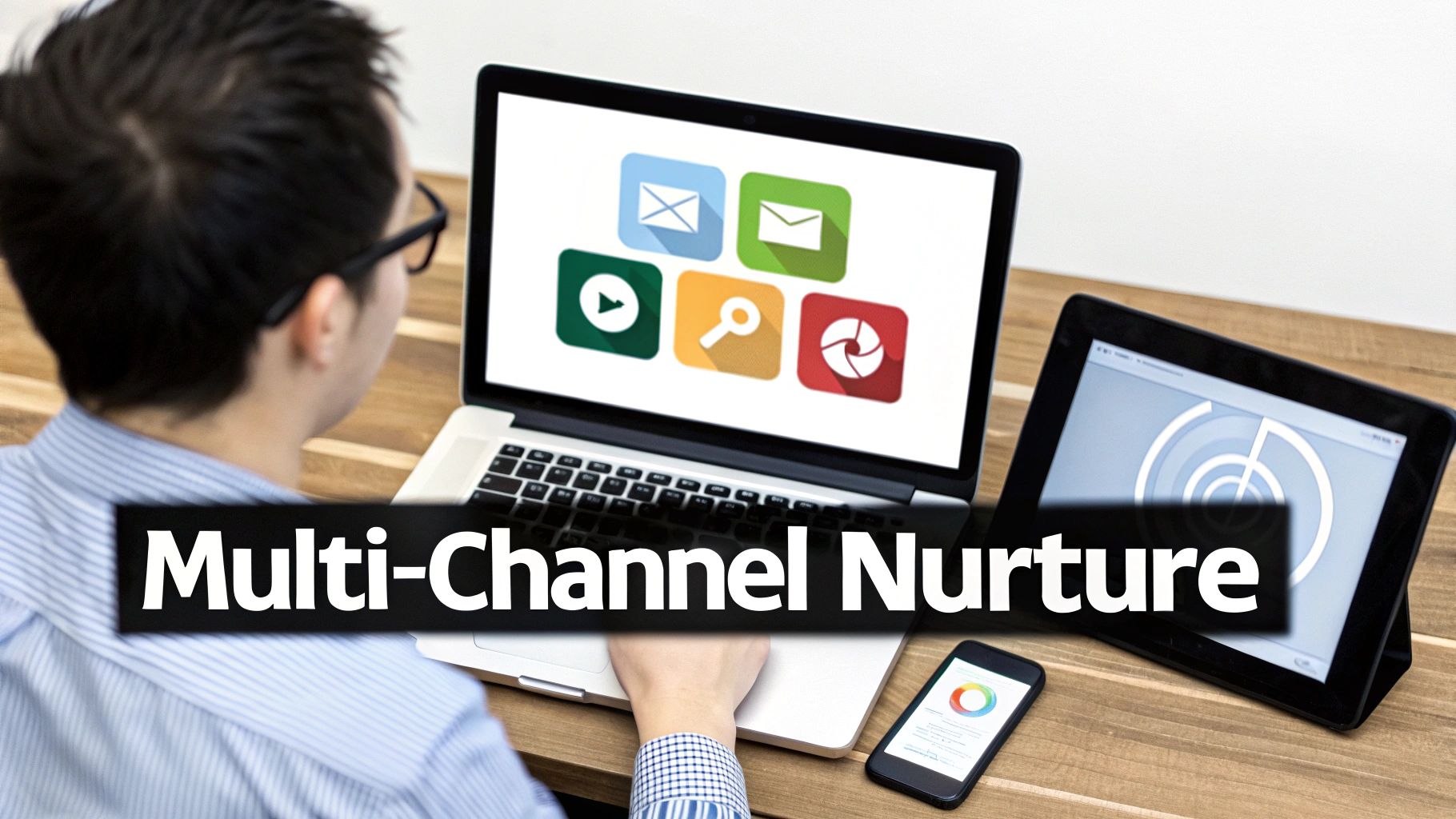
Think about how you use the internet. You jump between LinkedIn, email, and maybe watch a video. Your future customers do the same thing. By showing up in different spots, you become familiar and can repeat your message without being boring. This is a great way to make friends with future customers because people's paths to buying are almost never a straight line.
How to Talk in Different Places
Start by matching the places you talk to the different stages of their journey. Your goal is to create a smooth flow of info that helps them and builds trust, not to annoy them.
- Getting to Know You Stage: Use places like social media (like LinkedIn posts or ads) and helpful blog posts to say hello and solve a general problem.
- Thinking About It Stage: Send special emails, show them ads with success stories, and invite them to online classes. This is where you give them more details.
- Ready to Decide Stage: For the super-interested people, you can send personal messages, text reminders for meetings, or even send something cool in the mail to really stand out.
Key Insight: You don't need to be everywhere. Just be in the right places for your people. See where your best customers hang out online and start there.
Tools like HubSpot and Salesforce help you manage all these conversations from one place. This lets you see a person's whole journey, making sure your messages always make sense based on what they did last.
4. Make Helpful Stuff for Them
Once you know who you're talking to, you need something good to say. Just sending "checking in" emails is boring. The secret to making friends with future customers is giving them stuff that helps them solve their problems. This builds trust and makes you look like an expert who can help, not just someone trying to sell something.
Think about it from their side. They gave you their email because you offered something useful, like a guide or a class. If you keep giving them helpful things, they'll want to do business with you. This is one of the most important lead nurturing best practices because without great stuff to share, your emails are just noise.
How to Make Helpful Stuff
Your goal is to give the right stuff to the right person at the right time. This means making different kinds of things that match each step of their journey, from when they first hear about you to when they're ready to buy.
- "I Have a Problem" Stage: People here are just figuring out what's wrong. Give them helpful, not-salesy stuff like blog posts, free ebooks, cool pictures with info, and checklists.
- "I'm Looking for Answers" Stage: Now they're looking at different ways to solve their problem. Offer stuff that shows you're an expert, like stories of how you helped others, online classes, and guides that compare different options.
- "I'm Ready to Choose" Stage: At this point, they're ready to buy. Your stuff should make it easy to pick you. Offer free trials, demos, stories from happy customers, and clear price lists.
Key Insight: Don't just make one thing. Turn a big research paper into a bunch of blog posts, a video, a picture, and short social media posts. This saves you a ton of work and keeps your message the same everywhere.
Great companies do this all the time. HubSpot has a giant library of free tools and guides, and Salesforce has a whole learning website. They give away so much good stuff that people love them even before they buy anything.
5. Make Your Messages Personal
If grouping people is about talking to the right crowd, making things personal is about talking to one person in that crowd. Nobody likes generic messages. Making things personal means you use what you know about a person to change your message just for them. It makes them feel like you see them and get them. It's way more than just using their first name. It's about sending stuff that's perfect for their situation.
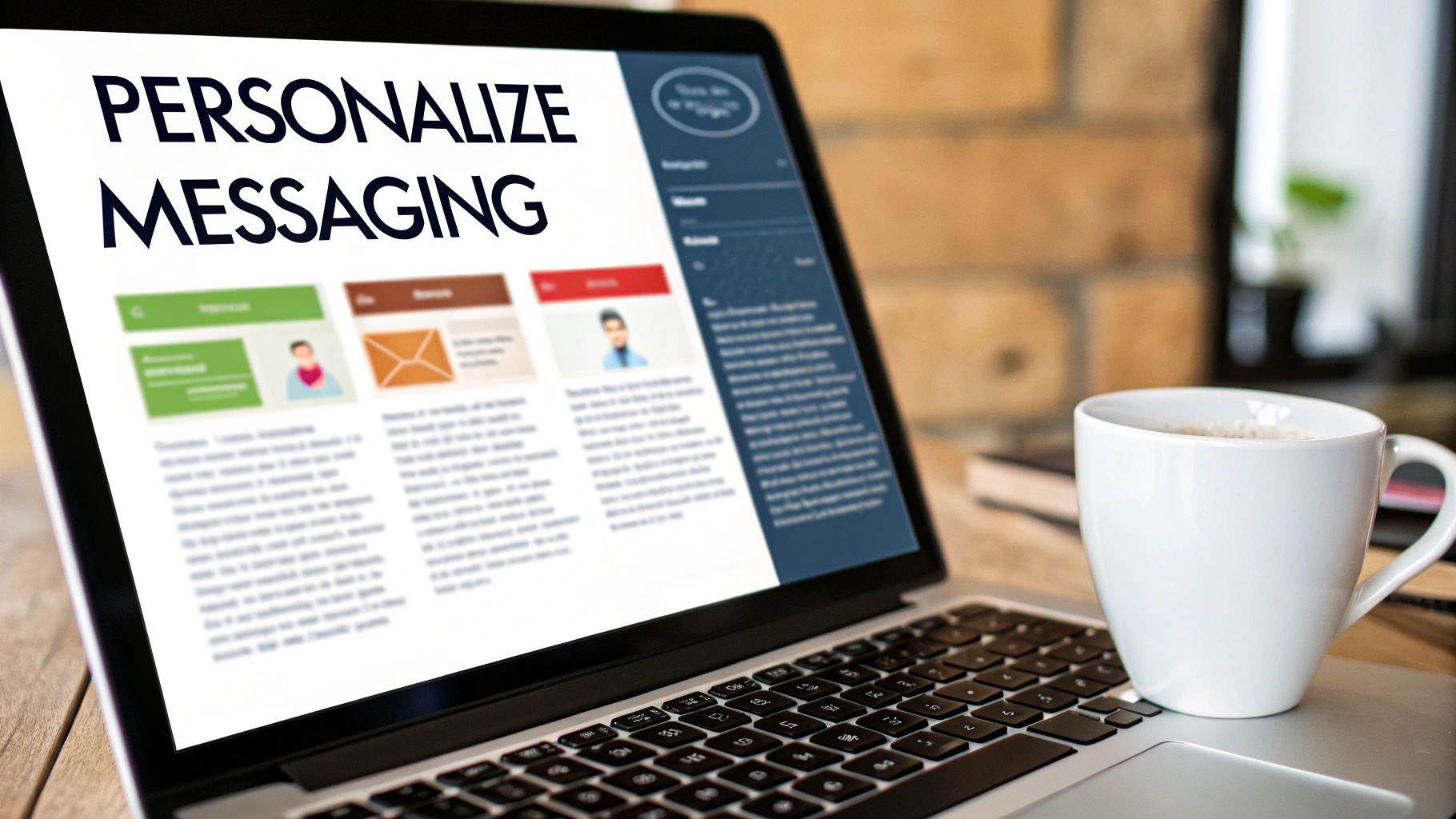
Think about how Netflix suggests shows it thinks you'll love, or how Amazon shows you things you might want to buy. They make it feel like it's all just for you. Using this idea is one of the most powerful lead nurturing best practices because it changes your message from an annoying ad into a helpful, welcome note.
How to Make Messages Personal
Start with easy things and then try more advanced tricks based on what people do. The goal is to make every message feel like it came at just the right time.
- Start with the Basics: Use special codes to put a person's name, company, or job type into your emails. A subject line like, "An idea for [Company Name]" is way better than a boring one.
- Use Their Actions: Send automatic messages based on what they do. If someone visits your pricing page, send an email from a salesperson offering to answer questions. If they download a book on a topic, send them a story about how you helped someone with that same topic.
- Use Smart Content: Many email tools let you show different things to different people in the same email. You could show a different button or a different customer story based on what kind of company they work for.
- Mention What They Did Before: Remind them of what they've done. A message like, "Since you liked our online class about SEO, you might find this new guide on link-building helpful," shows you're paying attention.
Key Insight: Good personal messages feel helpful, not creepy. Use what you know to be useful, not just to show off that you have their info. And always be careful with people's private information.
Try one or two personal touches in your messages. You can test a personal subject line against a plain one to see how much better it works. It will probably work so well that you'll want to do it even more!
6. Get Your Sales and Marketing Teams to Be Friends
Your plan can be perfect, but it will fall apart if your marketing and sales teams don't work together. When these two teams do their own thing, future customers get forgotten, messages get confusing, and everyone gets mad. Getting them to be friends means they agree on goals, what words mean, and how to work together to make the customer's journey smooth.
Think of marketing as the team that warms people up, and sales as the team that closes the deal. If they don't agree on when someone is "warm enough" to talk to, marketing might send over people who aren't ready, and sales will say they're no good. Teamwork is a huge part of making friends with future customers, as it makes sure good opportunities don't get lost.
How to Make Sales and Marketing Friends
The goal is to build a bridge between the two teams with clear rules and shared tools. It starts with getting everyone in a room to make a deal, sometimes called a Service Level Agreement (SLA).
- Agree on What to Call People: Decide exactly what makes someone a Marketing Qualified Lead (MQL) and a Sales Qualified Lead (SQL). An MQL might be someone who downloaded a book, while an SQL has asked for a demo. Write these rules down.
- Have a Clear Handoff Plan: Decide the exact moment a person moves from the marketing system to the sales system. What info needs to go with them? Who gets told?
- Create a Way to Give Feedback: Sales needs an easy way to say if the leads are good or not. A simple button in their computer program to mark a lead as "not good" with a reason can give marketing great info to make things better.
- Use the Same Tools and Reports: Both teams should use the same computer program, like a shared CRM. Tools like HubSpot and Salesforce are built for this, with screens that show a person's whole journey from their first click to the final sale.
Key Insight: Don't just have one meeting. Have monthly or quarterly meetings between the bosses of sales and marketing to look at the results, talk about the leads, and fix your plan together.
This teamwork makes sure that marketing is finding great people that sales is excited to talk to, which makes the whole company more money.
7. Use Computers to Help You
Sending the right email to the right person at the right time is impossible to do by hand once you have a lot of contacts. This is where computer programs that do things for you become your best friend. These "workflows" are a series of actions that happen automatically when a person does something. This lets you send the right messages at the right time without you having to do anything for each person.
Think of it like having a robot helper who works all day and night. When someone new downloads your book, the system automatically sends a thank you email. A few days later, it sends a related story about how you helped someone. This consistency is a key part of making friends with future customers, making sure nobody gets forgotten and everyone has a good experience.
How to Use Computer Helpers
The trick is to match your automatic messages to the customer's journey. Don't try to build a huge, crazy system all at once. Start with simple things and add more later.
- Welcome Message: Set up a series of 3-5 emails for anyone who signs up for your newsletter or downloads something. Say hello, give them something helpful, and tell them what to expect from you.
- Action-Based Messages: Set up messages based on what people do. For example, if someone visits your pricing page twice in a week, send an email from a salesperson offering a demo or a price guide.
- "We Miss You" Messages: If someone hasn't opened an email or visited your site in 3 months, automatically put them in a series of messages designed to get them back, maybe with a special offer or a cool new guide.
Key Insight: The point of using computer helpers is not to get rid of the human touch, but to make it better. Use them for the boring, repetitive tasks so your team can focus on having real conversations with people who are showing they're ready to buy.
Programs like HubSpot, ActiveCampaign, and Marketo are great for this. They have simple tools that let you draw out your message plans. Always test your plans with a small group first and watch how they do so you can keep making them better.
8. Have a Schedule for Talking to People
Once you know who you're talking to and what to say, the next big thing is deciding how often to talk. A schedule for talking to people is called a "cadence." It's your plan for how often and when you'll send messages to keep people interested without bugging them. Sending too many messages feels like spam, but sending too few makes them forget you.
Think of it as the rhythm of your conversation. A good schedule makes sure you stay on their mind by giving them helpful things at a pace that feels nice and normal. This is one of the most important lead nurturing best practices because it keeps people listening and stops them from getting tired of you, which protects your valuable list of contacts.
How to Make a Schedule
Start with a basic schedule and then change it for different groups of people and where they are in their journey. What works for a super-hot lead won't work for a brand-new contact.
- Different Rhythms for Different Groups: Your schedule should change based on who you're talking to. For example, someone trying out your software might want to hear from you once or twice a week, while a big boss at a huge company might prefer a message every two weeks or once a month.
- Use Different Ways to Talk: A good schedule isn't just about email. Mix in different ways of talking on different platforms. A good plan could be an email on day 1, a request to connect on LinkedIn on day 3, and another email with a success story on day 7.
- Watch How People React: Pay close attention to your numbers. If a lot of people are unsubscribing, it's a clear sign you're being too pushy. But if people are opening and clicking on everything, you might try a slightly faster schedule for that group.
- Test Your Schedules: Don't just set it and forget it. Try different schedules to see what works best. Try a 4-message plan against a 6-message plan over a month and see which one gets more people to buy.
Key Insight: Being consistent is more important than being fast. A predictable, helpful schedule builds trust and shows you respect people's time, making them more likely to listen when you have something important to say.
Tools like Outreach, Salesloft, and HubSpot's Sequences help you build, automate, and test these schedules. Start with what experts recommend, like 4-6 messages for a ready-to-talk lead, but always let your own numbers guide your final plan.
9. Ask People What They Think and Use It
One of the best but most forgotten lead nurturing best practices is to just ask people what they think. Instead of guessing what they want or why they aren't buying, asking them for feedback gives you a clear map for what to do next. This turns your messages from a one-way street into a real conversation, which builds trust and shows people you care about what they have to say.
Think of it like getting directions from someone who's already been where you're going. Their advice is gold. By asking for feedback and using it, you can make your messages better, your content more helpful, and your timing perfect for what your audience needs. Big companies like Salesforce do this by talking to people who bought from them and people who didn't, to understand exactly why.
How to Get and Use Feedback
Start by making it super easy for people to share their thoughts. The goal is to make it simple for them to tell you what's working and what's not, then use that info to make everything better.
- Talk to Winners and Losers: Talk to people who just bought from you and people who decided not to. Ask them questions about their journey, what they found helpful, and what made them decide.
- Use Simple Surveys: After an online class or when someone downloads something, send a one-question survey: "On a scale of 1-10, how helpful was this?" This gives you quick info on what people like.
- Read Your Chat Messages: Use tools like Drift to look at what people are asking in your website chat. Look for common questions or problems that you can answer in your future messages.
- Close the Loop: When someone gives you feedback, thank them and let them know what you're going to do with it. This makes them feel important and makes your relationship stronger.
Key Insight: Don't just collect feedback; make a plan to share it. What you learn from these conversations should be shared with both the marketing and sales teams so everyone can work together better.
The feedback you get is like a treasure map. It helps you understand the "why" behind your numbers, so you can stop guessing and build a customer-loving machine that gets better all the time.
10. Watch Your Numbers and Always Get Better
Starting a plan to make friends with future customers without checking your numbers is like driving with your eyes closed. You might be moving, but you don't know if you're going in the right direction. Watching your numbers means you keep an eye on important scores to understand what's working and what's not. This smart approach lets you keep making your plan better and better.
Think of it as a report card for your marketing. By watching the numbers, you can see if an email subject line is bad, a link is broken, or a piece of content is boring. This is one of the most important lead nurturing best practices because it turns guessing into a clear plan for getting better. Getting better isn't a one-time thing; it's something you do all the time.
How to Watch Numbers and Get Better
Start by picking the most important numbers that match your goals. You can't fix what you don't measure. Tools like HubSpot and Marketo have powerful screens that make this easy.
- Know Where You're Starting: Before you change anything, write down how you're doing now. What are your usual email open rates, click rates, and sales rates? This is your starting point.
- Track the Important Stuff: Watch numbers that show what's happening right now (like email opens and clicks) and numbers that show what happened in the end (like how many marketing leads turned into sales leads and actual sales).
- Use A/B Testing: Always be testing one thing at a time. Test your subject lines, your buttons, the time you send emails, or even the content itself to see what works best.
- Check on Things Regularly: Set aside time every week or two to look at your numbers. Look for patterns, celebrate your wins, and find things that need fixing. For example, if one email makes a lot of people unsubscribe, it's time to change it.
Key Insight: Pay close attention to the number of marketing leads that turn into sales leads. This one number is one of the best ways to know if your efforts are successfully getting people closer to buying.
Lead Nurturing: 10-Point Best Practices Comparison
| Item | 🔄 How Hard Is It? | ⚡ What You Need | ⭐ What You Get | 💡 Best For | 📊 Why It's Great |
|---|---|---|---|---|---|
| Put People in Groups | Medium — needs some data work | CRM/data tool, time to sort | More sales (≈20–30%), people like you more | Big, mixed lists; when you need to talk to different people | More personal messages; better use of time; people stay longer |
| Give Points to See Who's Interested | Medium — make a plan + keep it updated | Scoring rules, past data, sales & marketing friends | Faster decisions; less time to buy (≈20–40%) | Lots of leads; helping sales know who to call first | Sales talks to the best people; clear rules for everyone |
| Talk to People in Different Places | Hard — needs a lot of planning | Many tools (email, social, etc.), creative people | More people see you; better engagement | When people use lots of apps or take a long time to buy | You're everywhere; better customer experience |
| Make Helpful Stuff for Them | Hard — lots of work to create | Writers, designers, researchers, time | Builds trust; free traffic over time; gets new contacts | Teaching people at all stages; growing your business | Makes you look like an expert; helps with Google; works 24/7 |
| Make Your Messages Personal | Hard — needs good data and testing | Data experts, special tools, privacy rules | More opens/clicks (opens ↑26%, clicks ↑42%); more sales | When you have lots of info about people | Feels more special; makes people happier; works for lots of people |
| Get Sales & Marketing to Be Friends | Medium — changing how people work | Time for deals, shared screens, regular meetings | Fewer lost leads; faster sales; better quality leads | When sales and marketing teams are separate | Everyone knows their job; less wasted work; same goals |
| Use Computers to Help You | Medium — setup takes time, but then it's easy | Automation tool, connection to CRM, message ideas | Always follows up; saves time; works 24/7 | For messages you send over and over; action-based messages | Super efficient; reliable; you can see what works |
| Have a Schedule for Talking | Low–Medium — plan + test | A plan for when to talk, a tool to schedule, watching numbers | Keeps people interested; stops them from getting annoyed | Testing how often to talk to different groups | Consistent; perfect timing; fewer people unsubscribe |
| Ask People What They Think | Medium — ask + study + act | Survey tools, interviews, a team to help | Find out why people do things; fix problems; make things better | Figuring out why you lost a deal or making messages better | You learn what people really need; helps you improve |
| Watch Your Numbers & Get Better | Medium — always watching and testing | Dashboards, good data, testing tools | Smart improvements; get more for your money over time | For anyone who wants to do better | Shows you what works; stops wasting money; helps you plan |
Your Next Step: From Learning to Doing
We've talked about a lot, going through the ten big ideas of making friends with future customers. From the basic step of putting people in groups to the fancy stuff like talking on different channels and always getting better, it can feel like a lot to do. But the main idea is really simple: making friends with future customers is just about building strong relationships, one helpful step at a time.
Think of it less like a complicated machine and more like being a great guide for people. You wouldn't give every hiker the same map, right? Someone just starting the trail needs different advice than someone almost at the top. That's all grouping and personalizing are about: giving people the right map for where they are on their journey.
The Big Picture: It's More Than a To-Do List
Getting good at these things isn't just about checking boxes or setting up a few automatic emails. It's about changing the way your business grows. When you stop yelling the same message at everyone and start having smart, helpful conversations, everything changes.
- Trust becomes your superpower: Instead of being just another company, you become a trusted friend. People buy from those they know, like, and trust. This process builds that trust step by step.
- You sell things faster: By teaching and helping people automatically, you make sure that when they finally talk to a salesperson, they are ready, smart, and really interested. This means less time wasted and more time making deals.
- Customers love you more: The friendship doesn't stop when someone buys. The same ideas of being helpful and personal create happier, more loyal customers who will buy again and tell their friends about you.
Your Action Plan: Start Small, Win Big
Staring at a list of ten "best practices" can make you want to just give up. The secret is that you don't need to do them all at once. The goal is to make progress, not to be perfect. Pick just one thing to work on this week.
Here’s how you can get started right now:
Choose Your First Move: Look back at the list. What feels easiest for you?
- Is it Grouping? Look at your email list and create just two or three simple groups based on how people signed up (like "came from a class," "filled out a form," or "newsletter fan").
- Is it Using a Computer Helper? Create one, simple welcome email. When someone new joins your list, send them a nice hello and one of your most helpful blog posts.
- Is it Making Helpful Stuff? Think of one common question you get from new people. Write a short article or record a quick video answering it, then you can share it with the next person who asks.
Set a Tiny Goal: Don't try to build a 20-step plan. Just try to get that one welcome email working. Try to sort 25 contacts. Small wins give you the energy you need to do the bigger things.
In the end, the best plans for making friends with future customers are not the most complicated; they are the most human. They are built on a real desire to help, teach, and guide. Every personal email you send, every helpful thing you create, and every automatic message you build is another step toward creating a business that grows because of real relationships. The journey from a curious person to a loyal fan is made of these small, thoughtful moments. Now, it's time to take the first step.
Feeling ready to connect these dots but need a system to make it happen? Authority Echo specializes in turning your expertise into an automated growth engine, implementing these very lead nurturing best practices to attract, engage, and convert your ideal clients. Let us help you build the machine so you can focus on what you do best: Explore how Authority Echo can automate your growth.